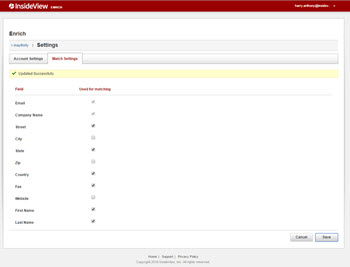
Match Settings allows you to view and modify the fields that are used for lead enrichment.
| Step | Description | Details |
|---|---|---|
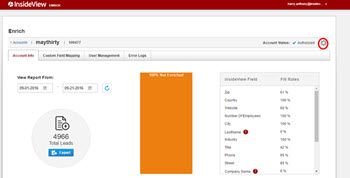
| 1 | Go to the Settings page | On the InsideView Enrich Accounts page, select an account, then click Settings.
|
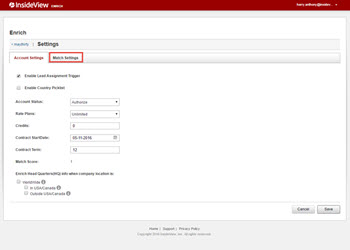
| 2 | Select Match Settings | Select the Match Settings tab.
|
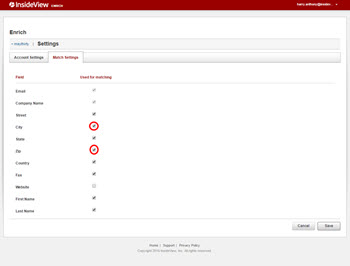
| 3 | Modify the field selection | By default, all fields are selected for matching lead data.
Deselect the fields that you do not want to enrich in the lead data, for example, city, zip and website fields.
Note: Email and Company Name are mandatory fields that cannot be deselected. |
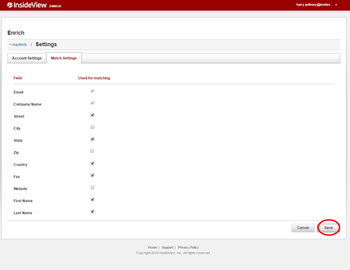
| 4 | Save | Click Save.
.
|